
Fix it yourself. No waiting.
The Roomio floor plan editor lets you edit any text field on your delivered floor plan yourself, instantly, via the web portal. No amendment request, no waiting, no back and forth.
How it works
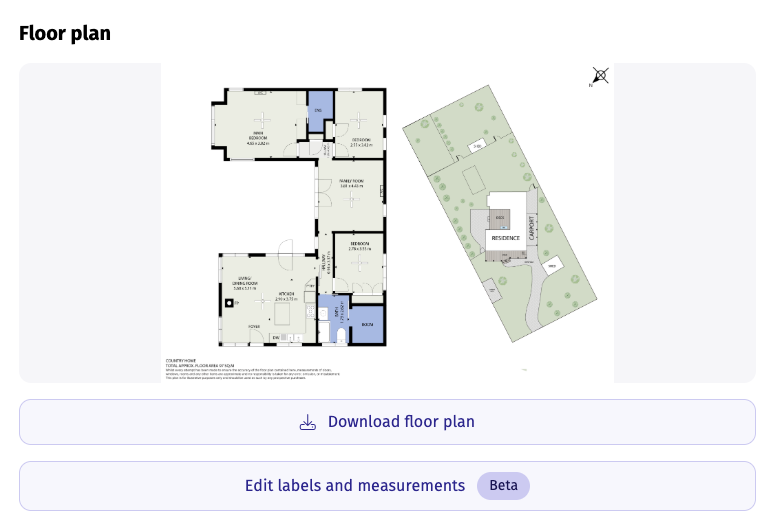
Open your order
Log in to the web portal. Go to Orders and select the floor plan you want to edit.
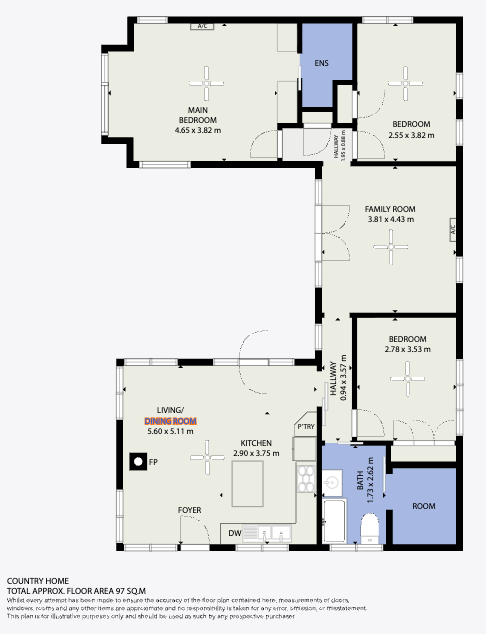
Edit any text field
Click on any text label, such as room names, dimensions or disclaimers, and edit it directly. No special skills required.
Save and export
Save your changes and export instantly in PNG, JPG, SVG or PDF. Ready to share with your client or upload to your listing platform.
What you can edit
Room labels
Fix any room name or label that isn’t quite right: bedroom, living room, study, garage and more. Edit in seconds without raising an amendment request.
Custom text fields
Edit any custom text on your floor plan: property address, agent name, disclaimers or any other text field your template includes.
Instant export
Once you’re happy with your edits, export your floor plan instantly in PNG, JPG, SVG or PDF, ready for listing portals, client presentations or marketing materials.
No amendment needed
Simple text changes no longer need an amendment request. Save time, skip the back and forth and get your floor plan exactly right, instantly.
Ready to edit your first floor plan?
Log in to the web portal and open any delivered floor plan to get started.